Wireless Bluetooth Mouse with Ergonomic Silent Control
Wireless Bluetooth Mouse delivers smooth, silent control for everyday work. This ergonomic wireless mouse keeps your hand comfortable while maintaining precise tracking.
Wireless Bluetooth Mouse – Benefits for You
✅ Quiet clicks help you stay focused so you can work without disturbing others.
✅ Smooth wireless performance lets you move freely without tangled cables slowing you down.
✅ Adjustable sensitivity helps you fine‑tune cursor speed so you handle tasks with greater accuracy.
✅ Ergonomic shaping supports your wrist so you stay comfortable during long sessions.
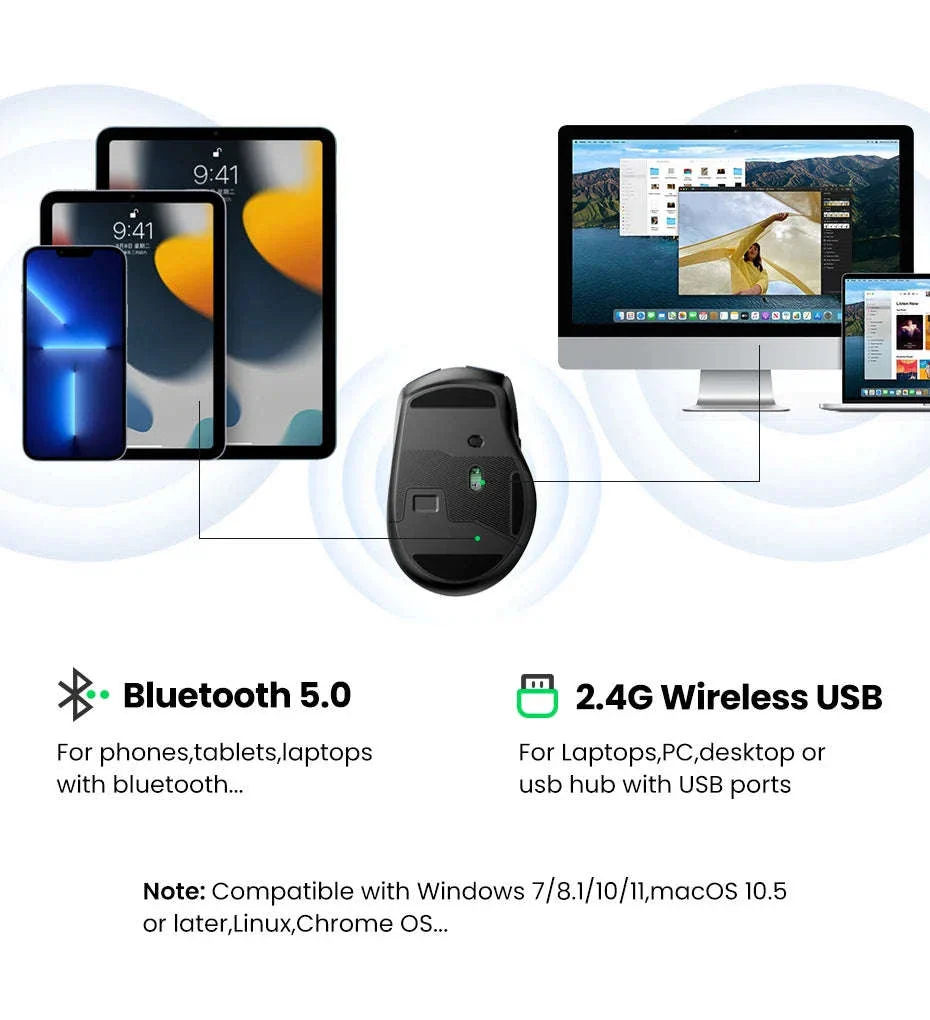
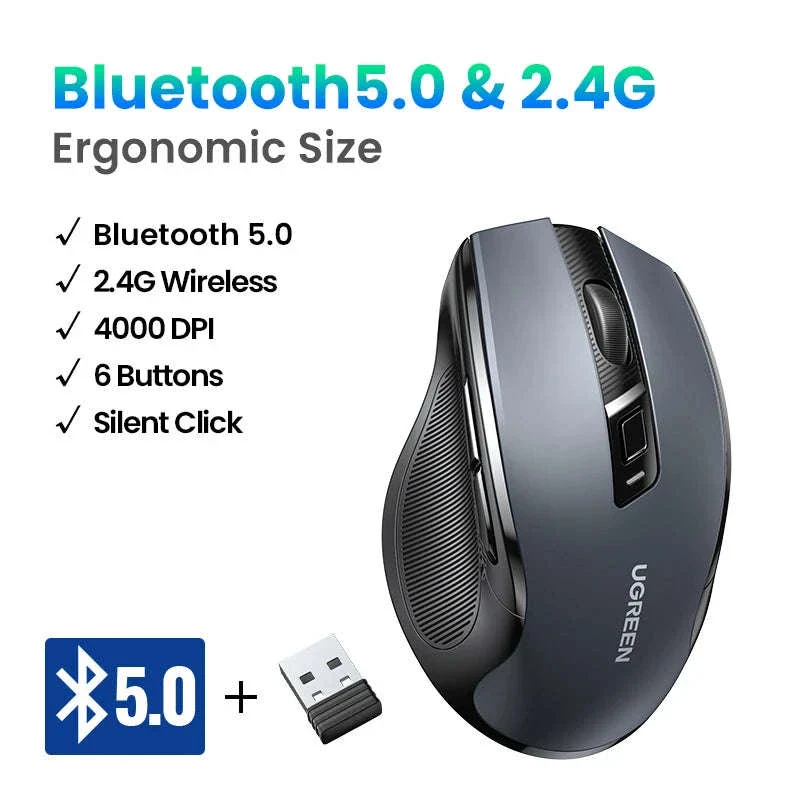
✅ Dual‑mode connectivity makes switching between devices easy so your workflow stays uninterrupted.
✅ Universal compatibility ensures effortless setup so you can start working right away.
Take your daily computing experience to a more comfortable level with this easy‑to‑use wireless companion.
Designed for long hours of productivity, the mouse pairs an ergonomic shape with quiet, responsive buttons that feel natural from the first click.

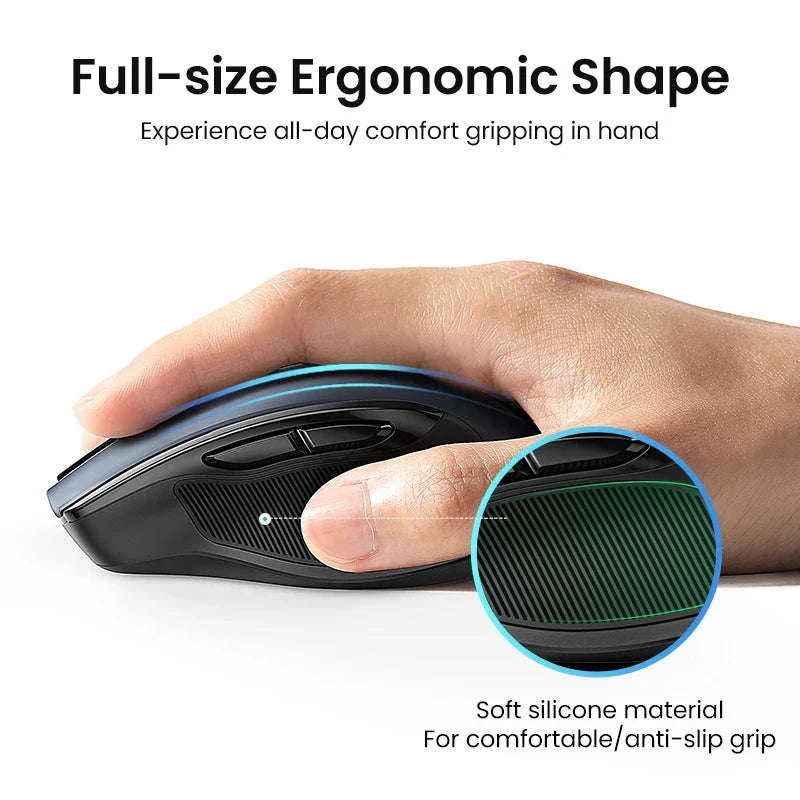
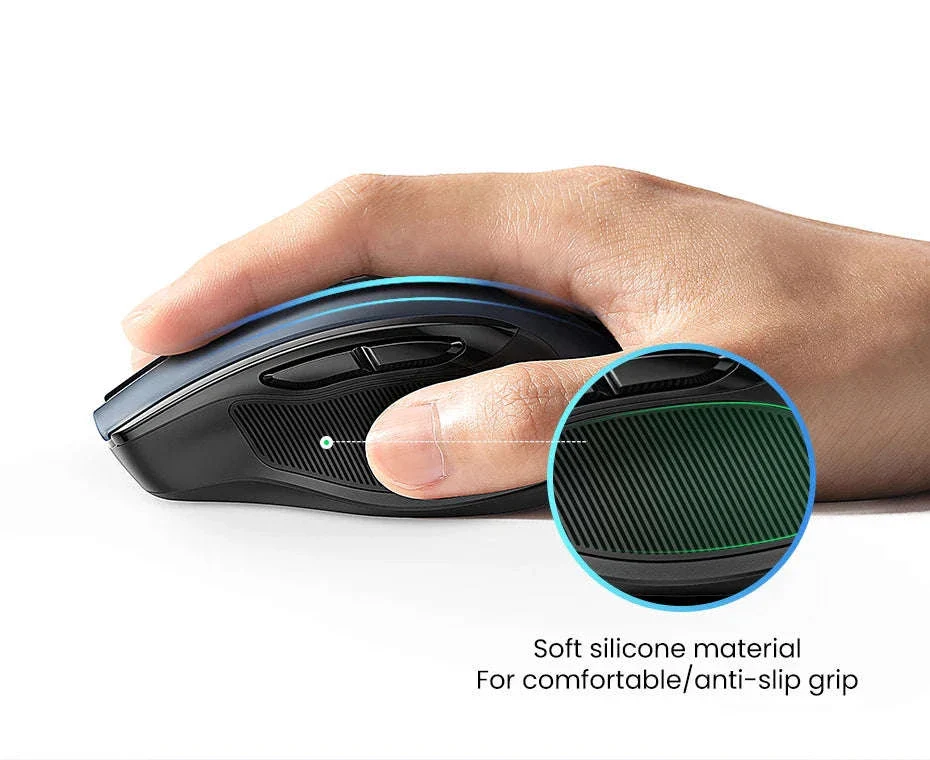
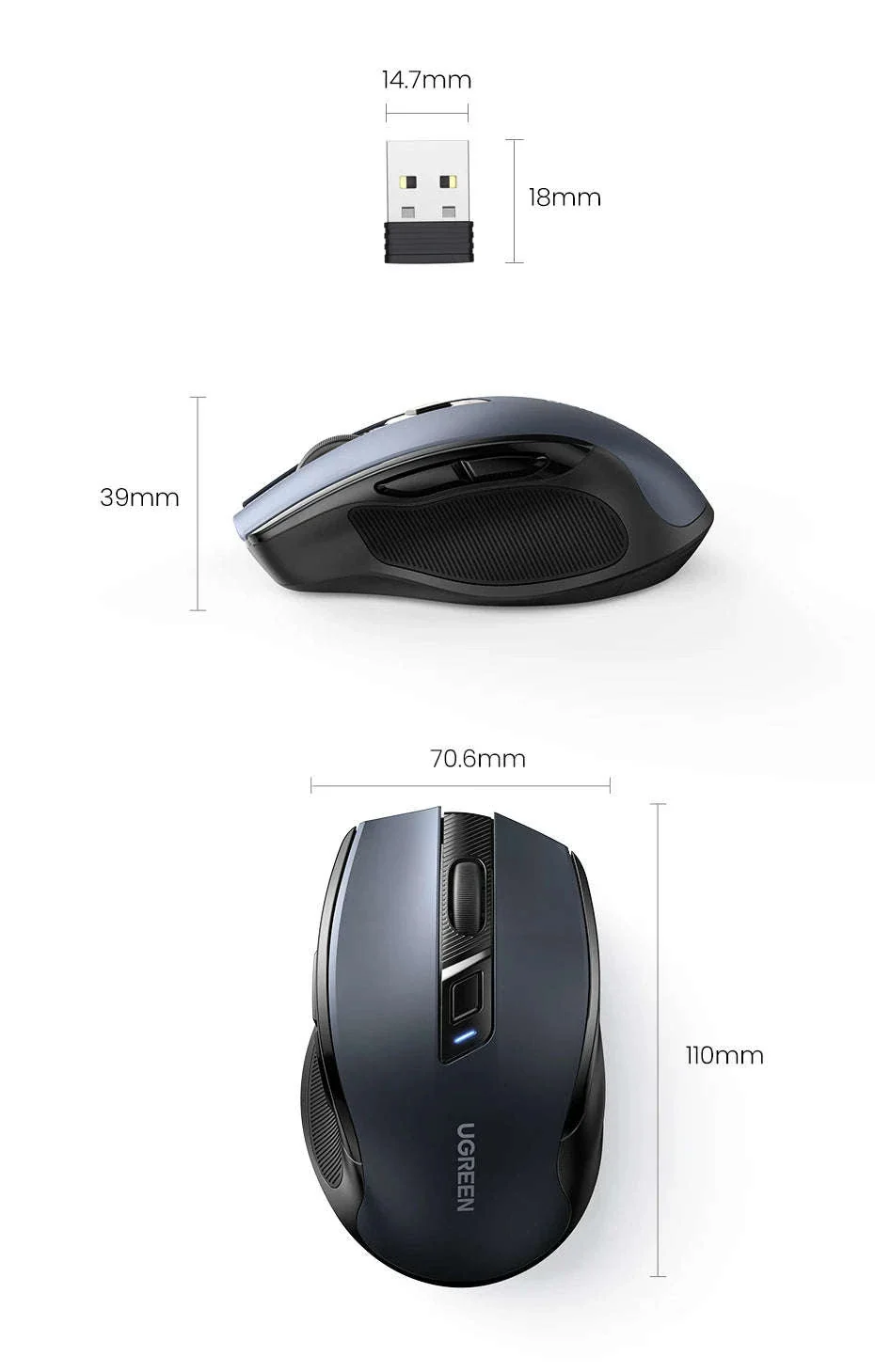
The smooth exterior and full‑size body create a stable grip that keeps your hand relaxed during browsing, editing, or creative work.

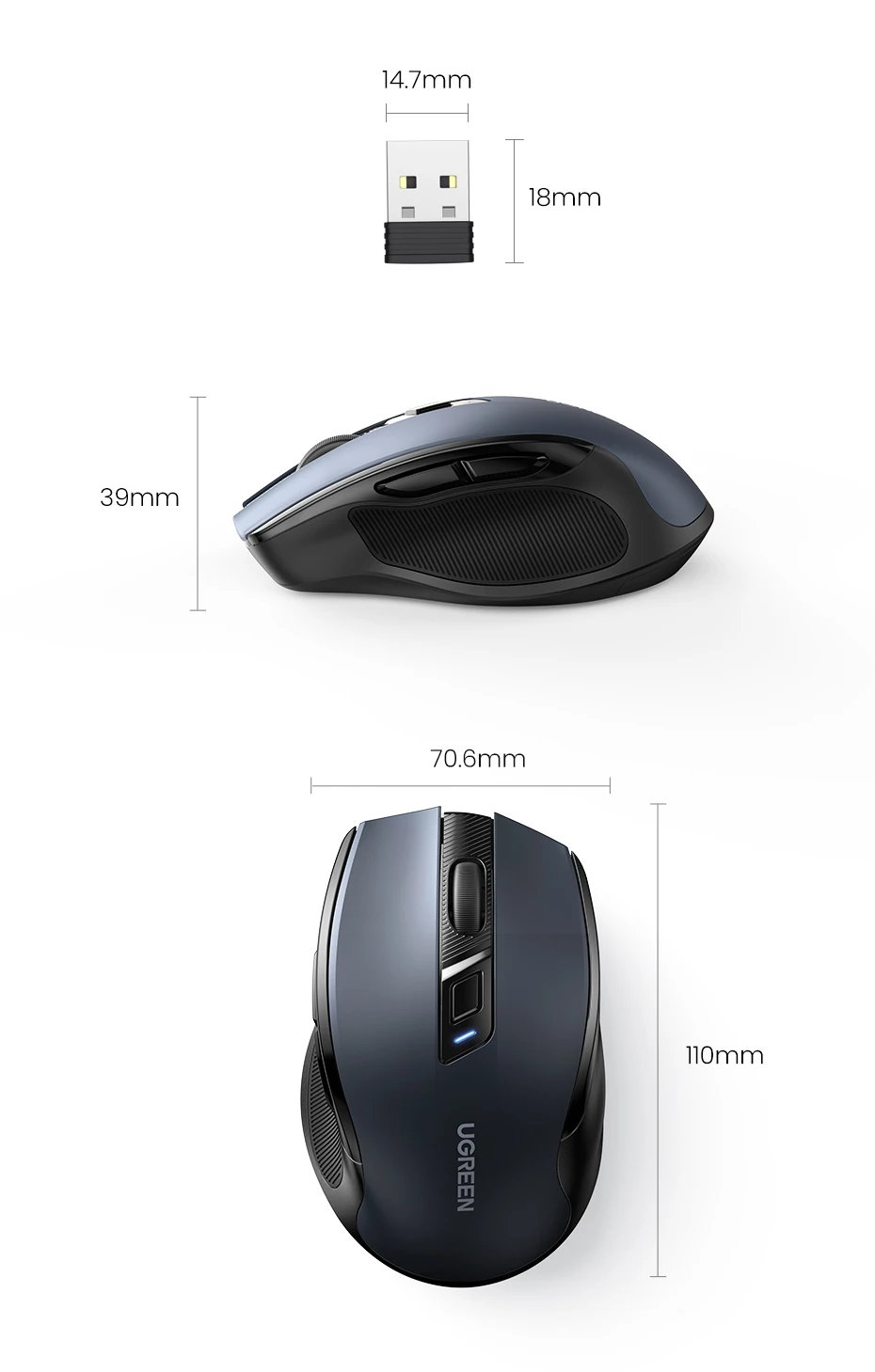
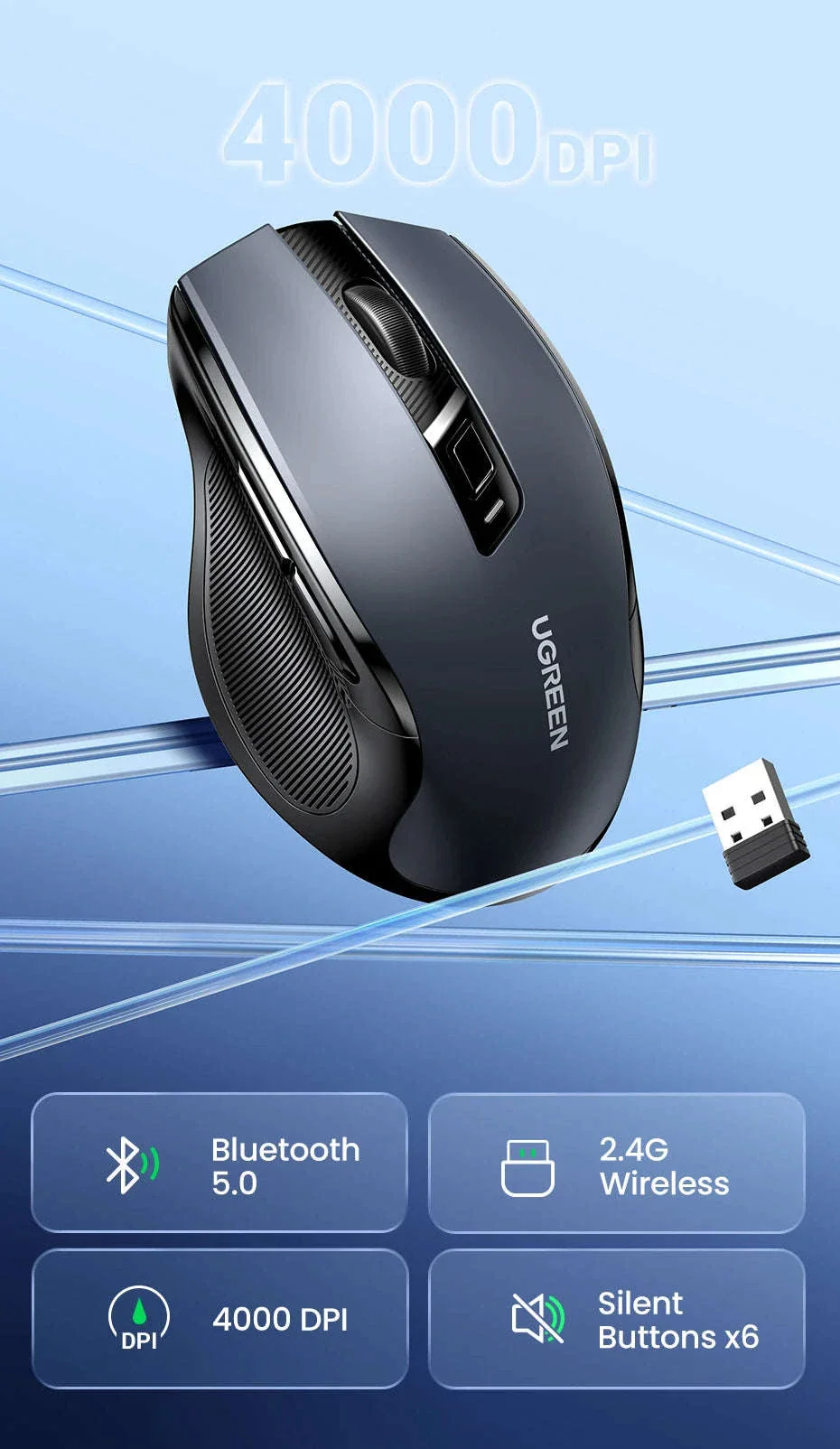
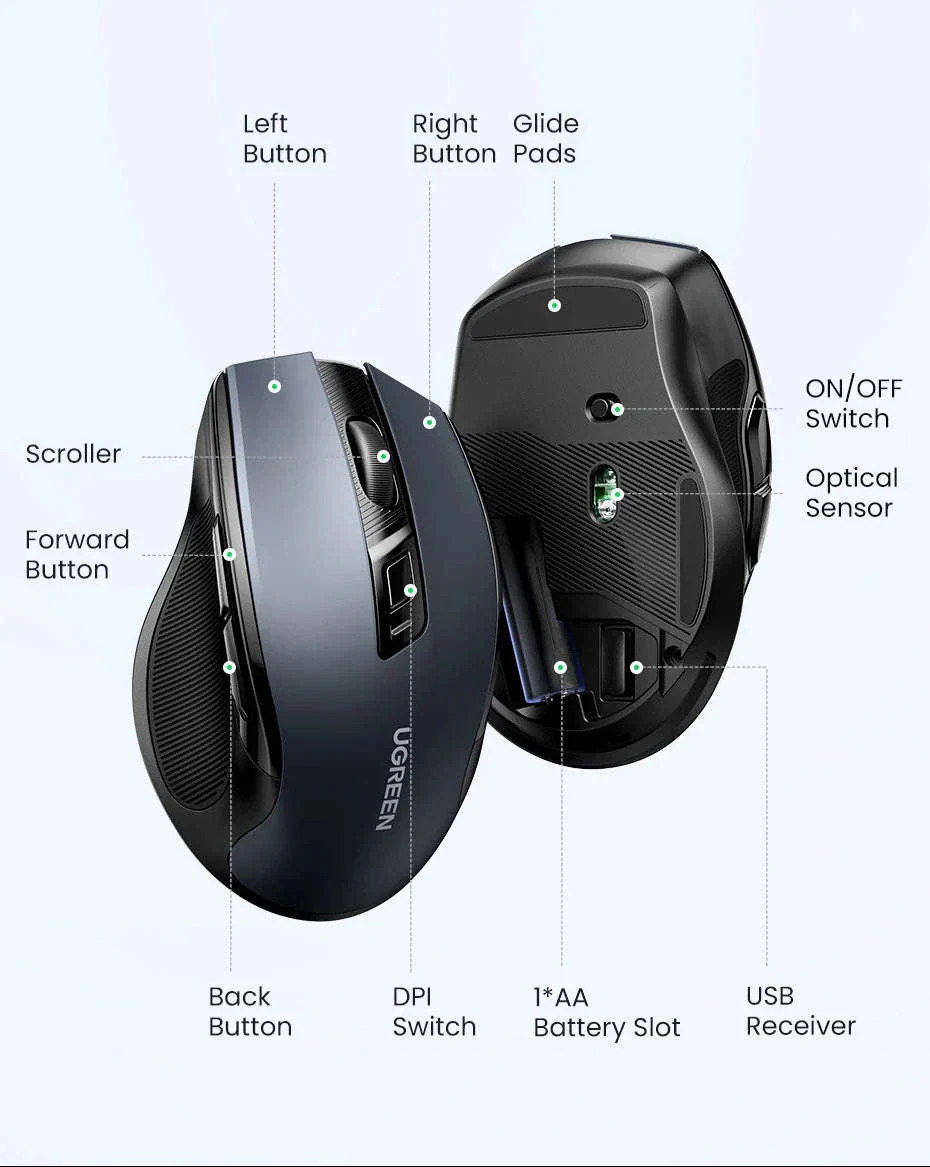
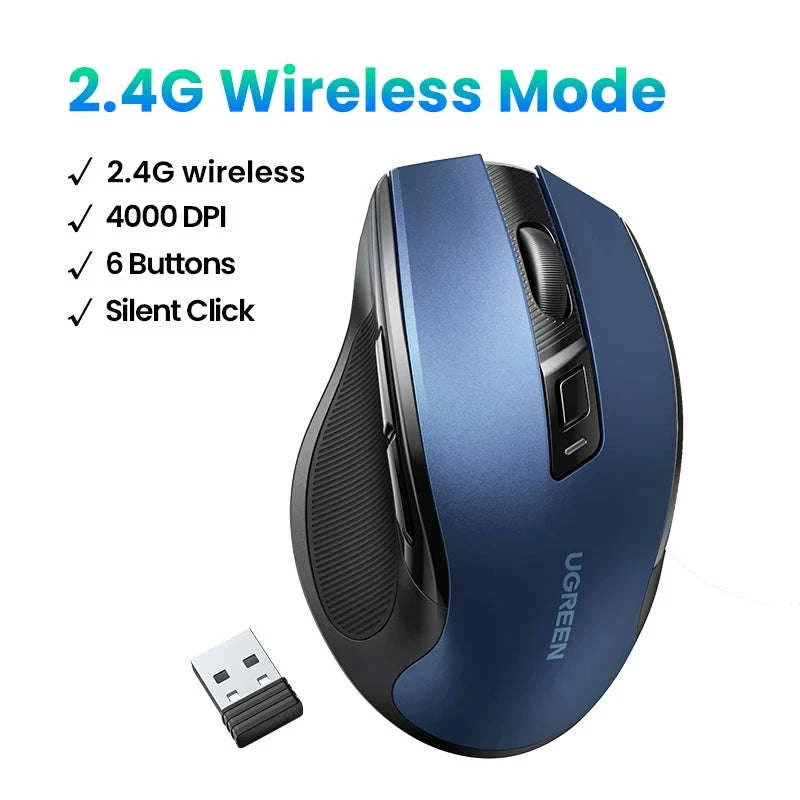
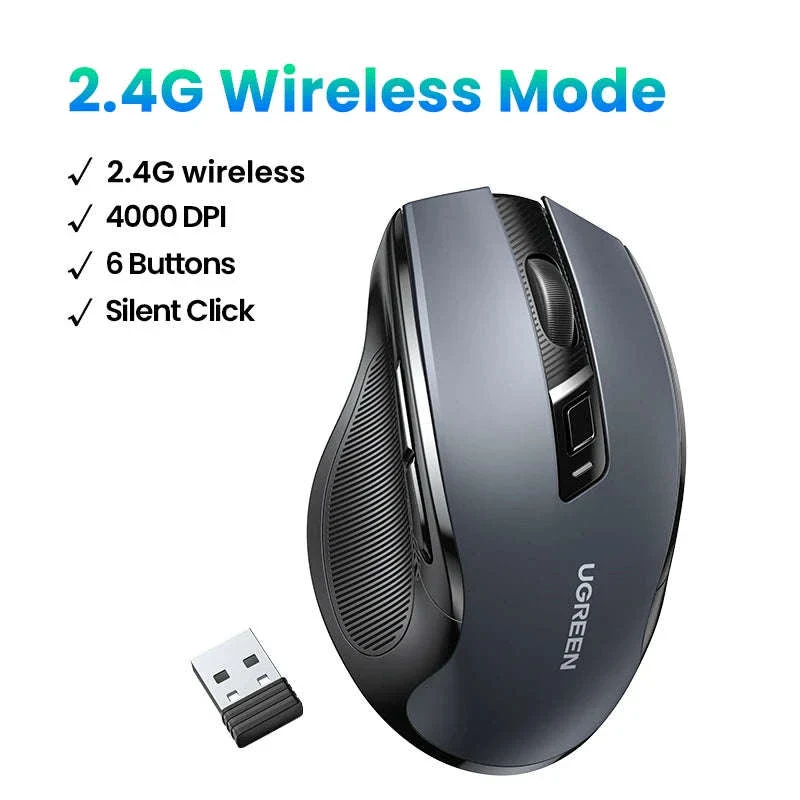
Its dual Bluetooth and 2.4 GHz wireless modes give you flexible connectivity for laptops, tablets, and desktops. A tiny USB receiver sits securely inside the battery compartment so it’s always ready when you need it.
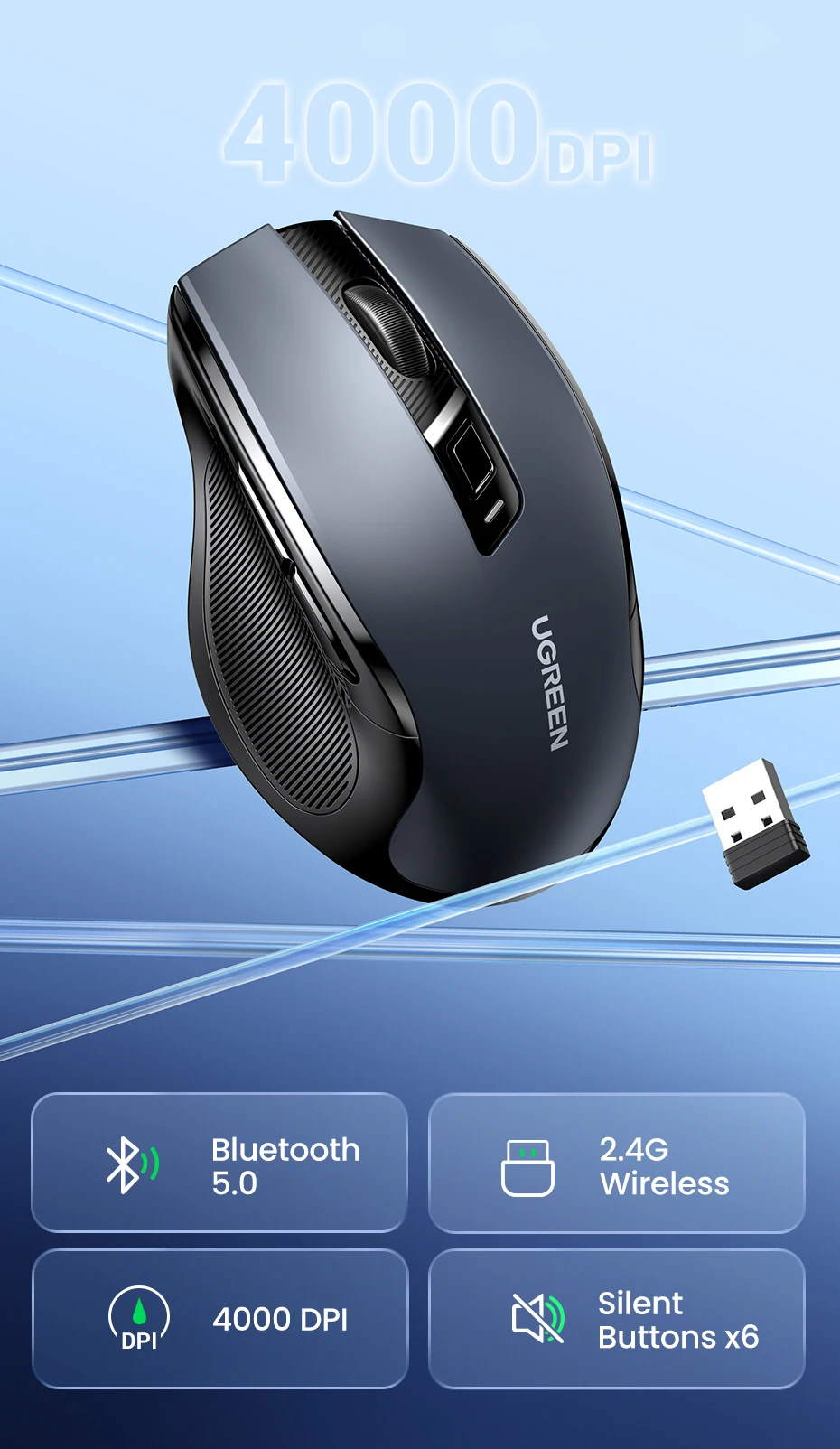
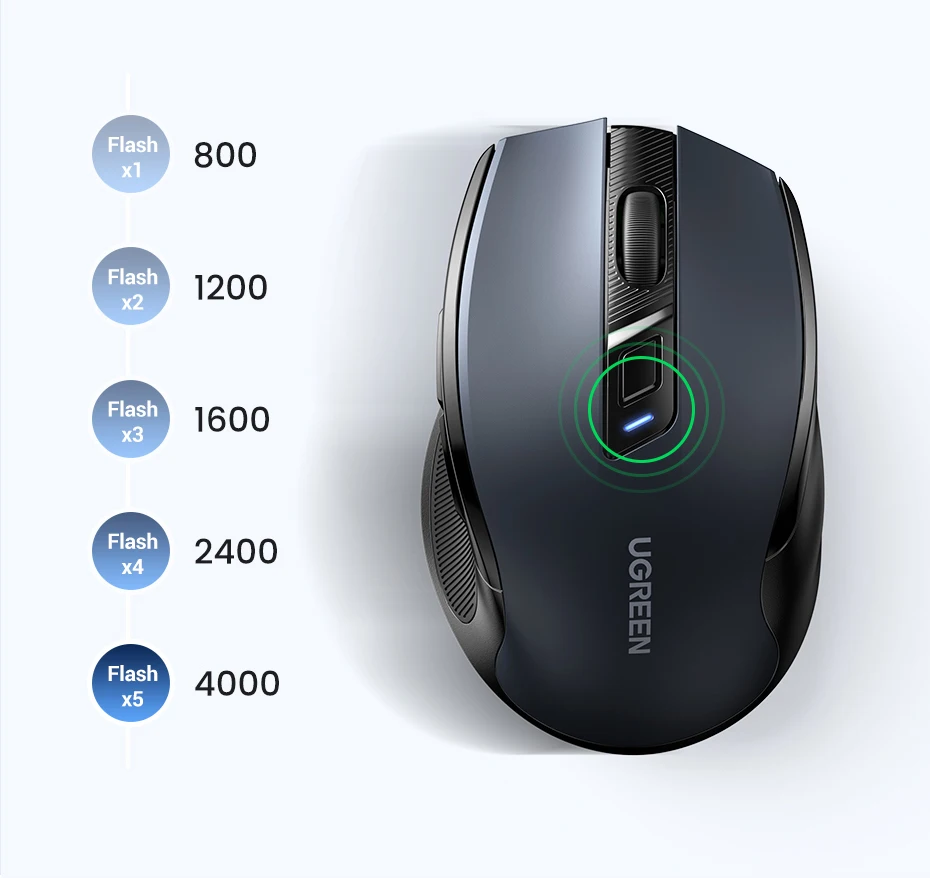
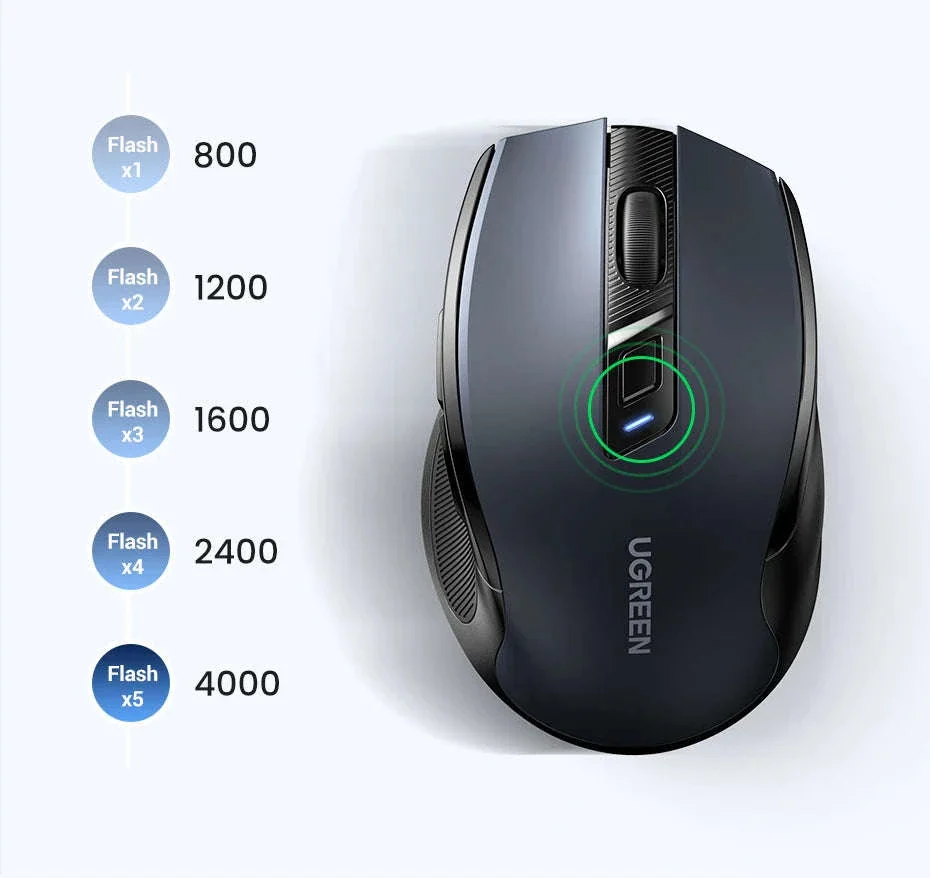
Switching DPI levels is simple—just tap the dedicated button to move between five sensitivity settings suited for browsing, design work, or fast navigation.
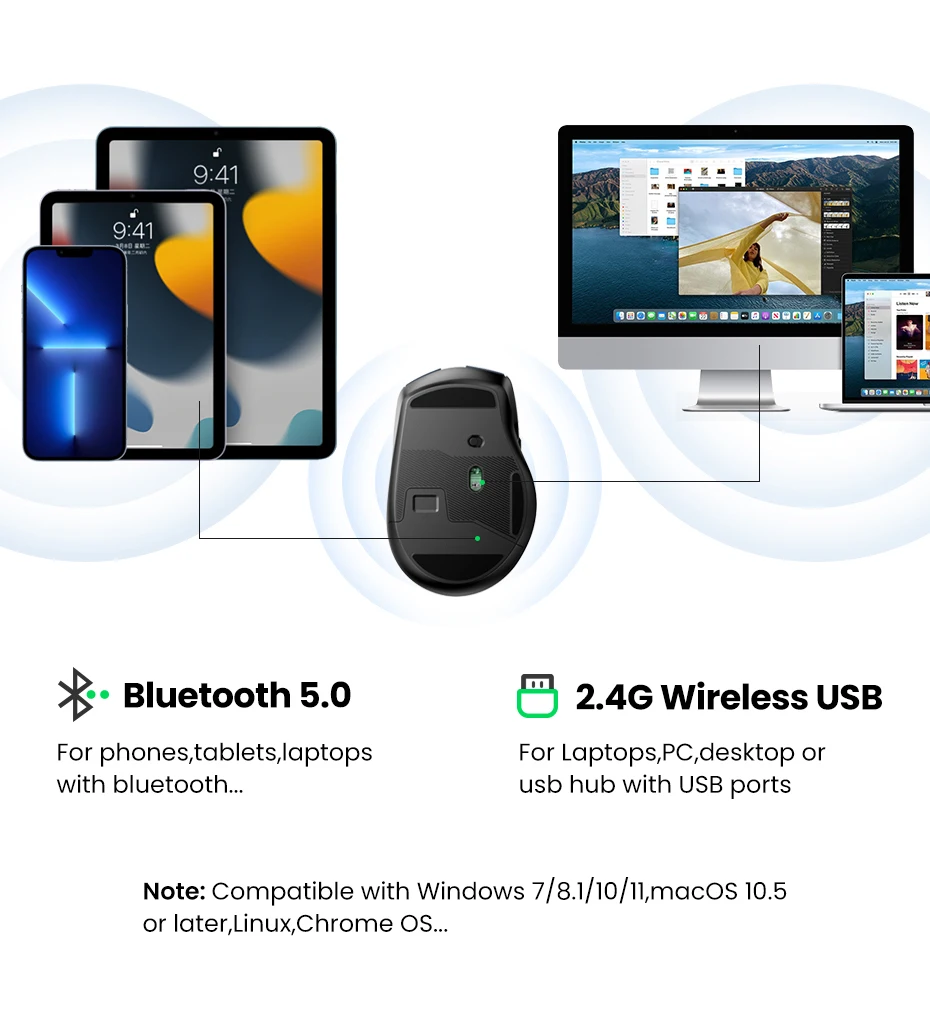
Silent switches keep working environments peaceful, whether you're in an office, library, classroom, or shared home workspace.
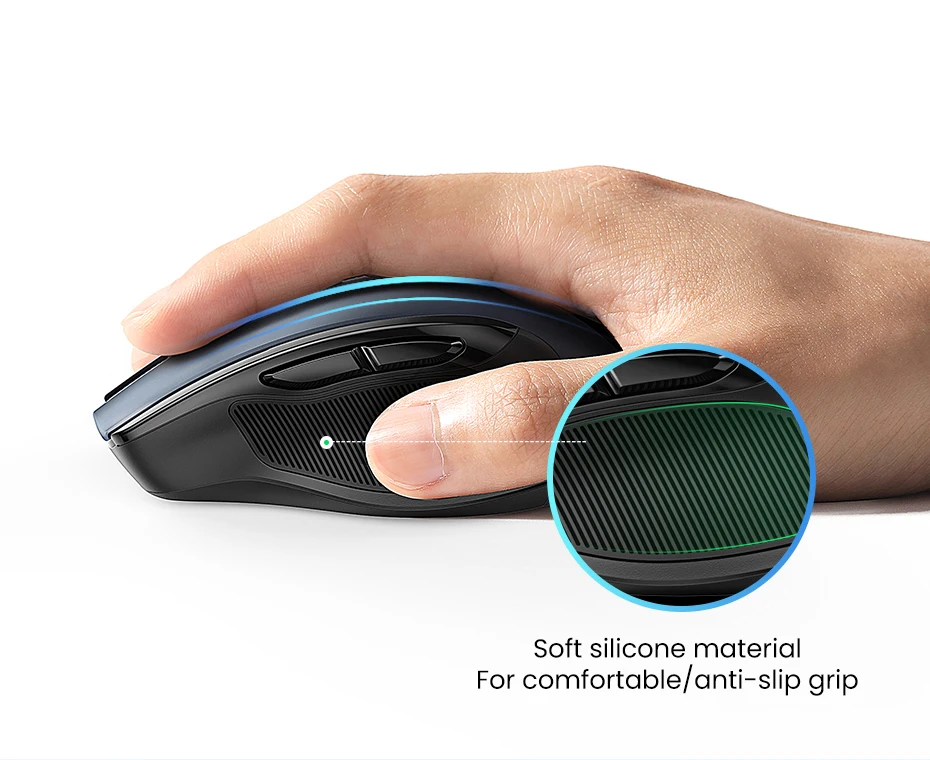
Soft rubber side grips add stability, while the sculpted form fits naturally in your palm for effortless control.

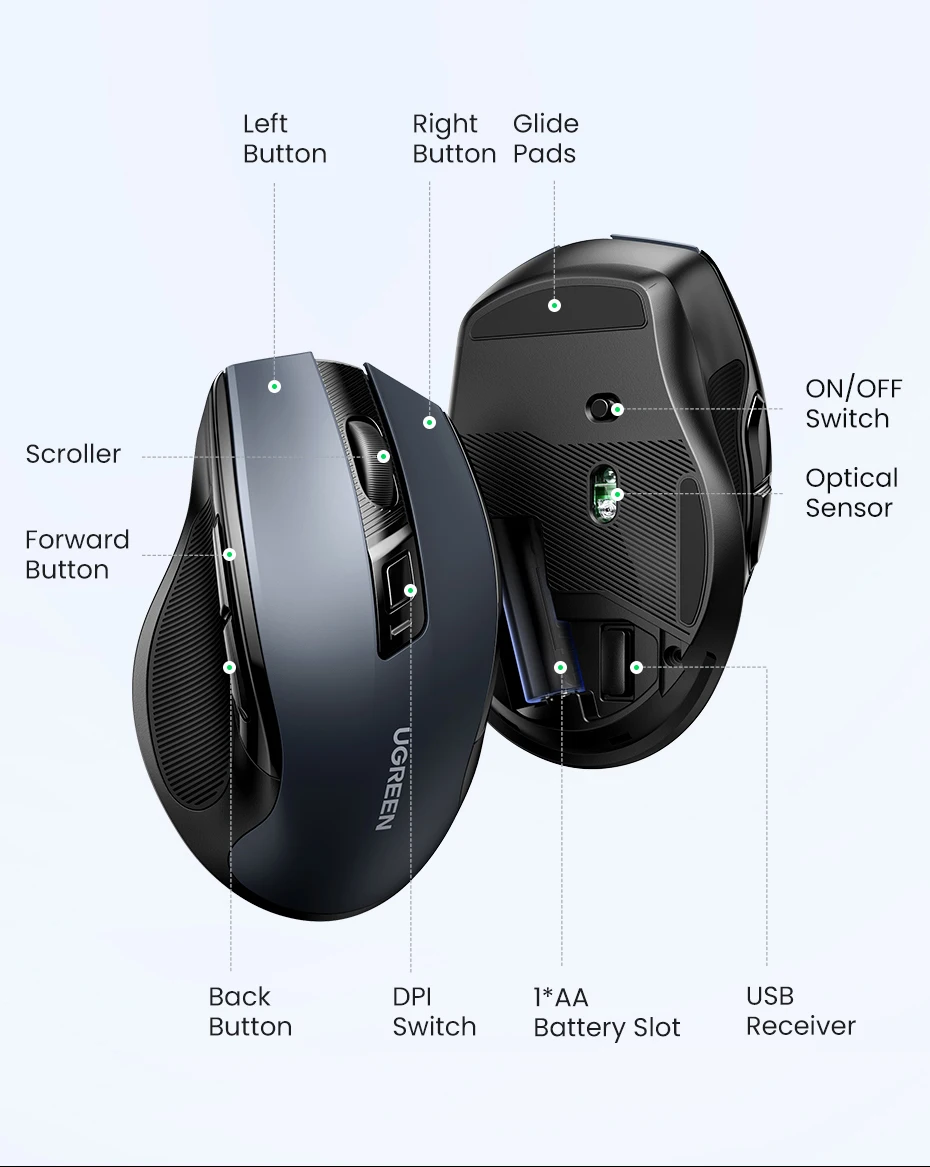
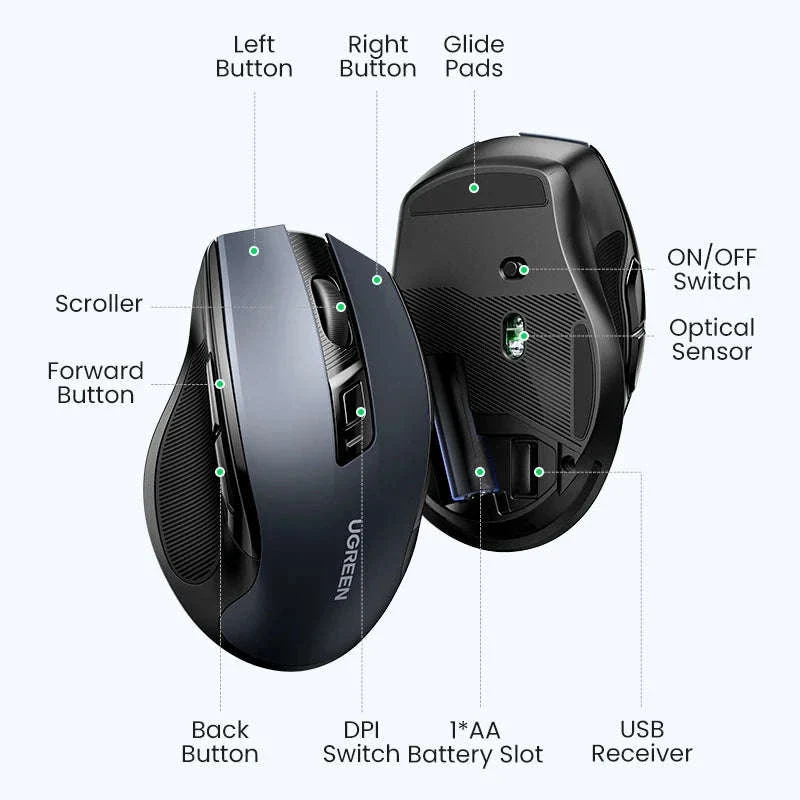
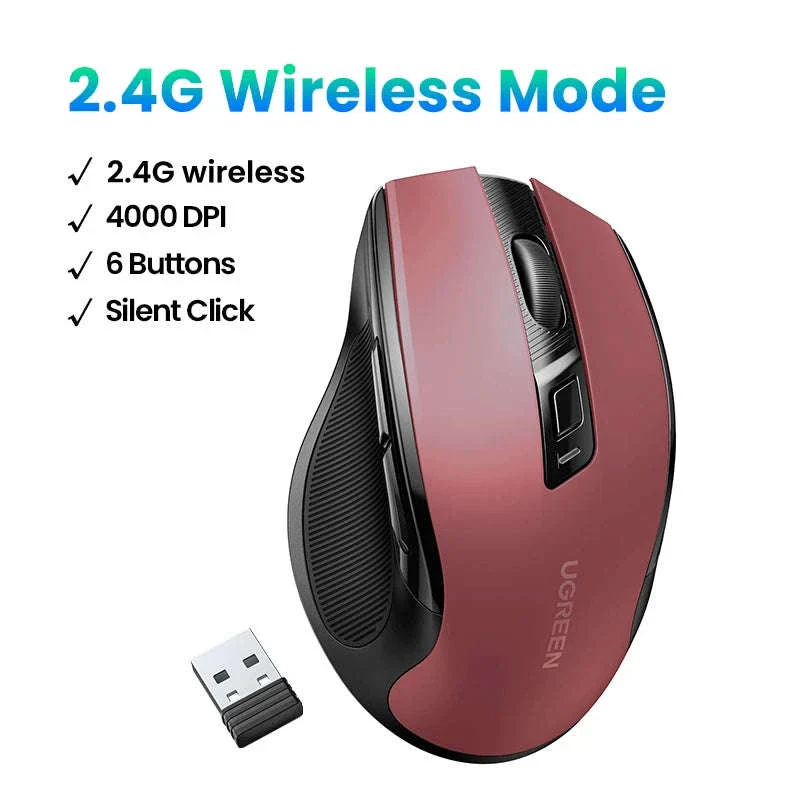
Six intuitive buttons—left, right, scroll wheel, forward, back, and DPI—give you quick shortcuts for everyday navigation.

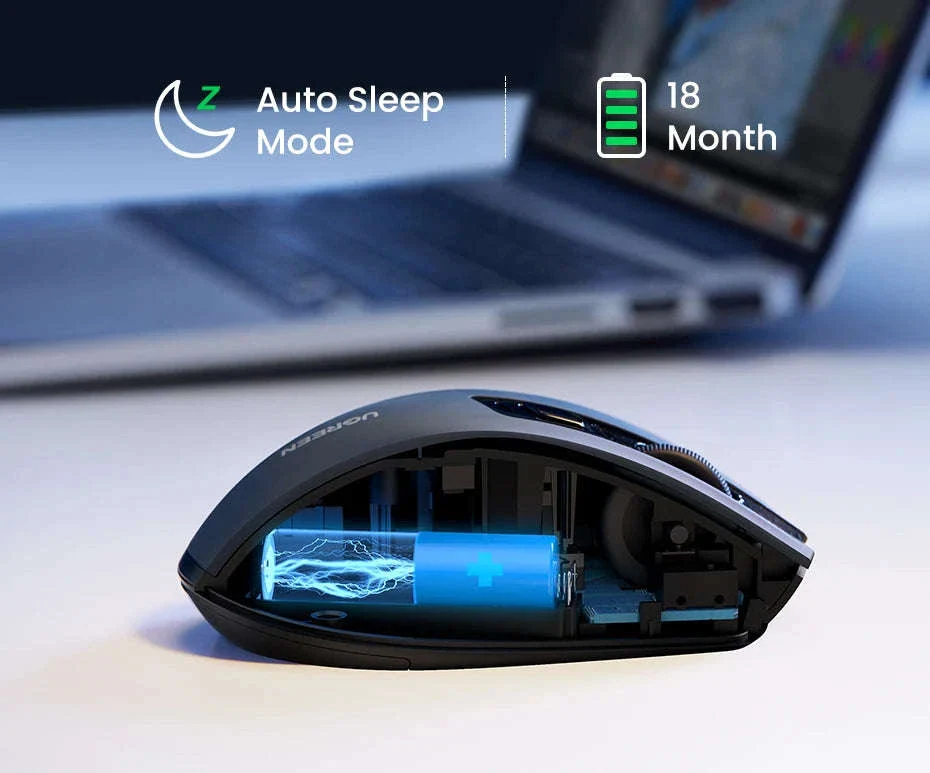
A single AA battery powers the mouse for months thanks to an energy‑saving sleep mode that activates automatically when not in use.
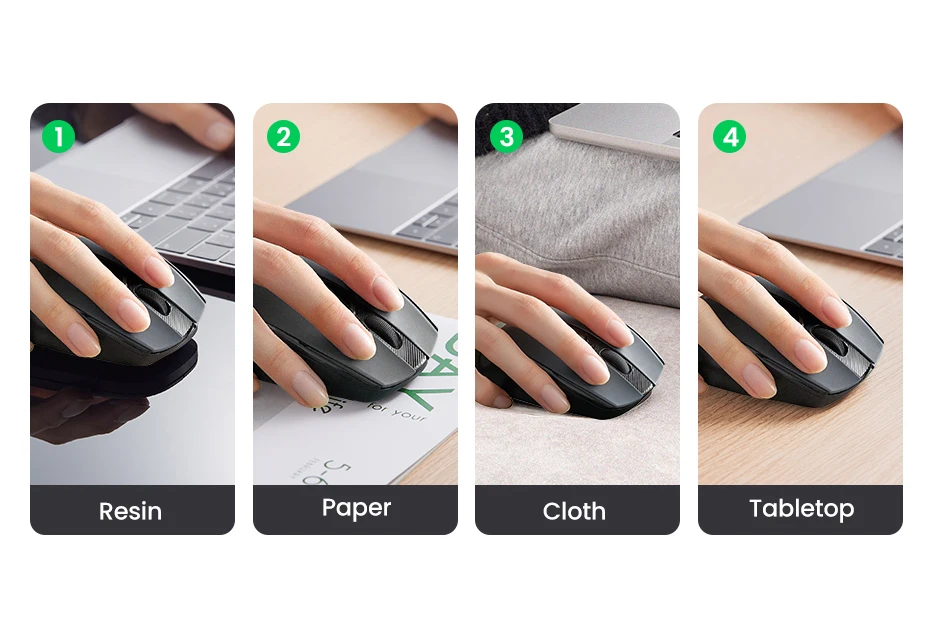
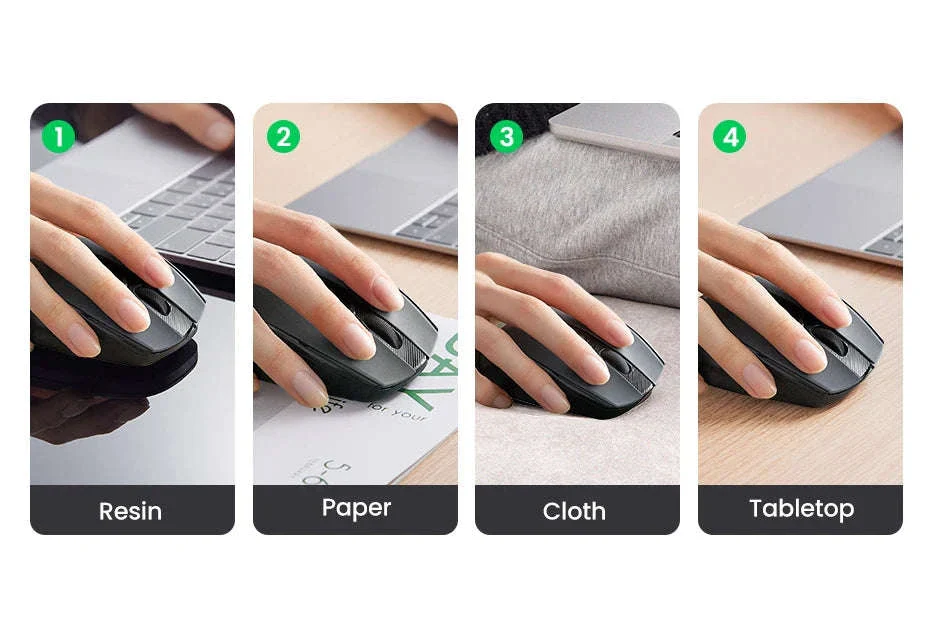
The mouse tracks reliably on a wide range of desks and surfaces, making it a dependable tool whether you work from home, travel, or switch between multiple setups.
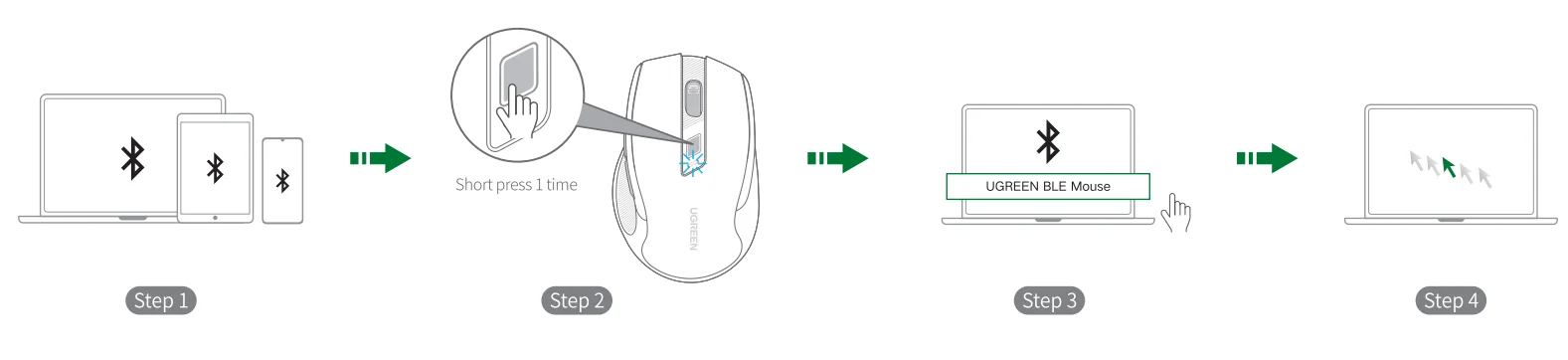
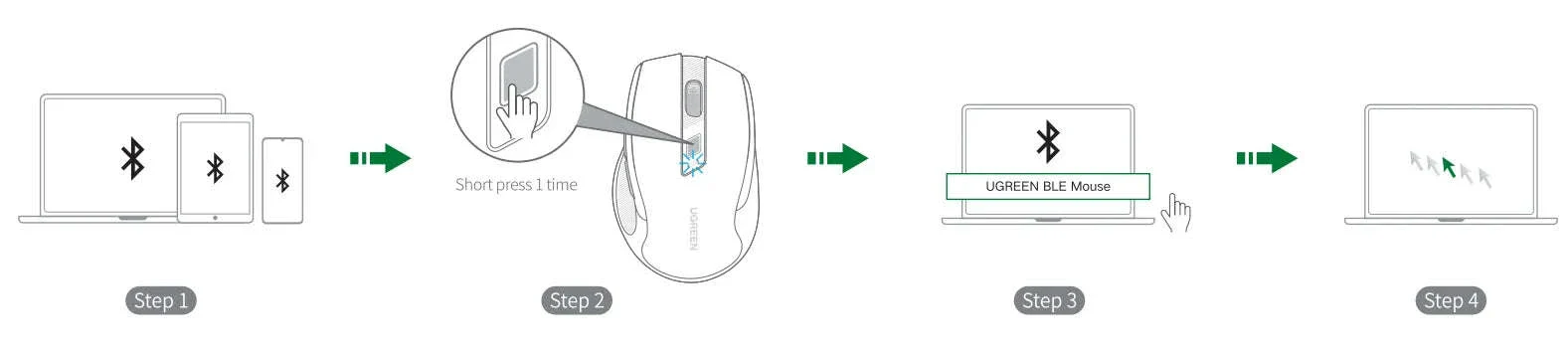
Setup is simple: turn on Bluetooth, power the mouse, enable pairing mode, and select it from your device’s list.
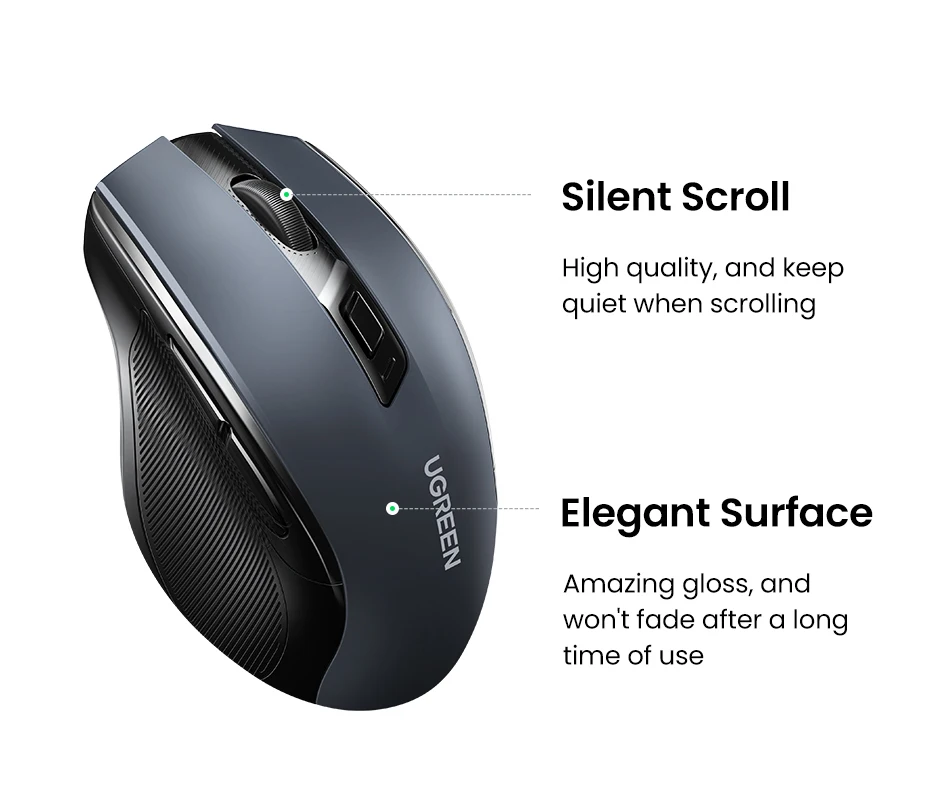
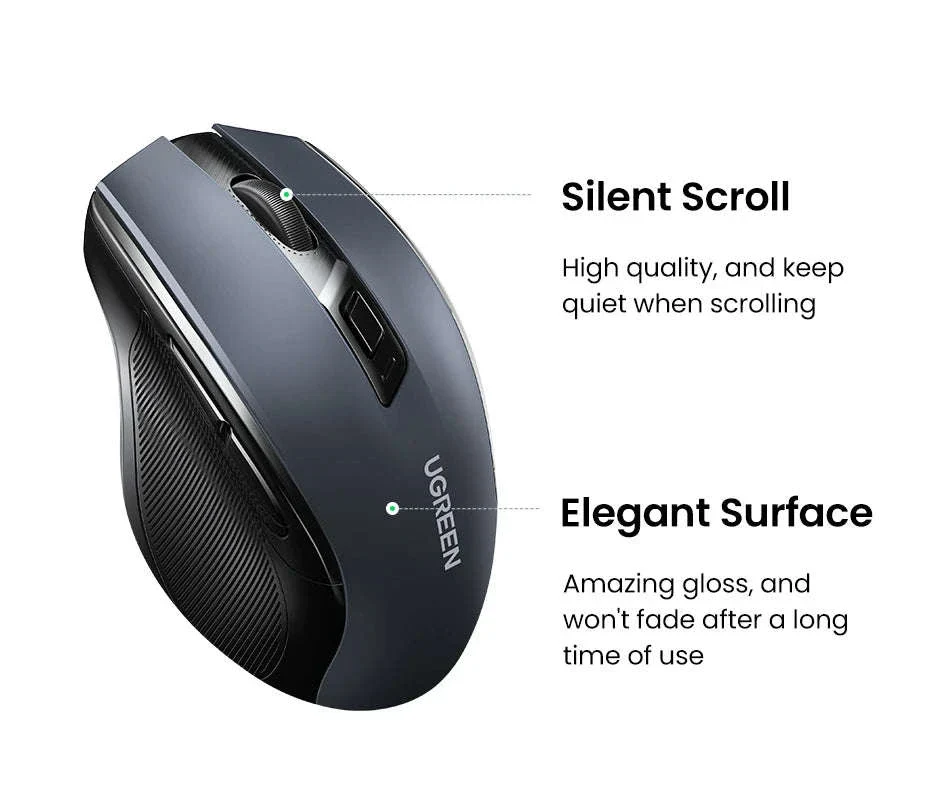
The durable outer finish resists wear from daily use, while the silent scroll wheel glides smoothly for precise movement.
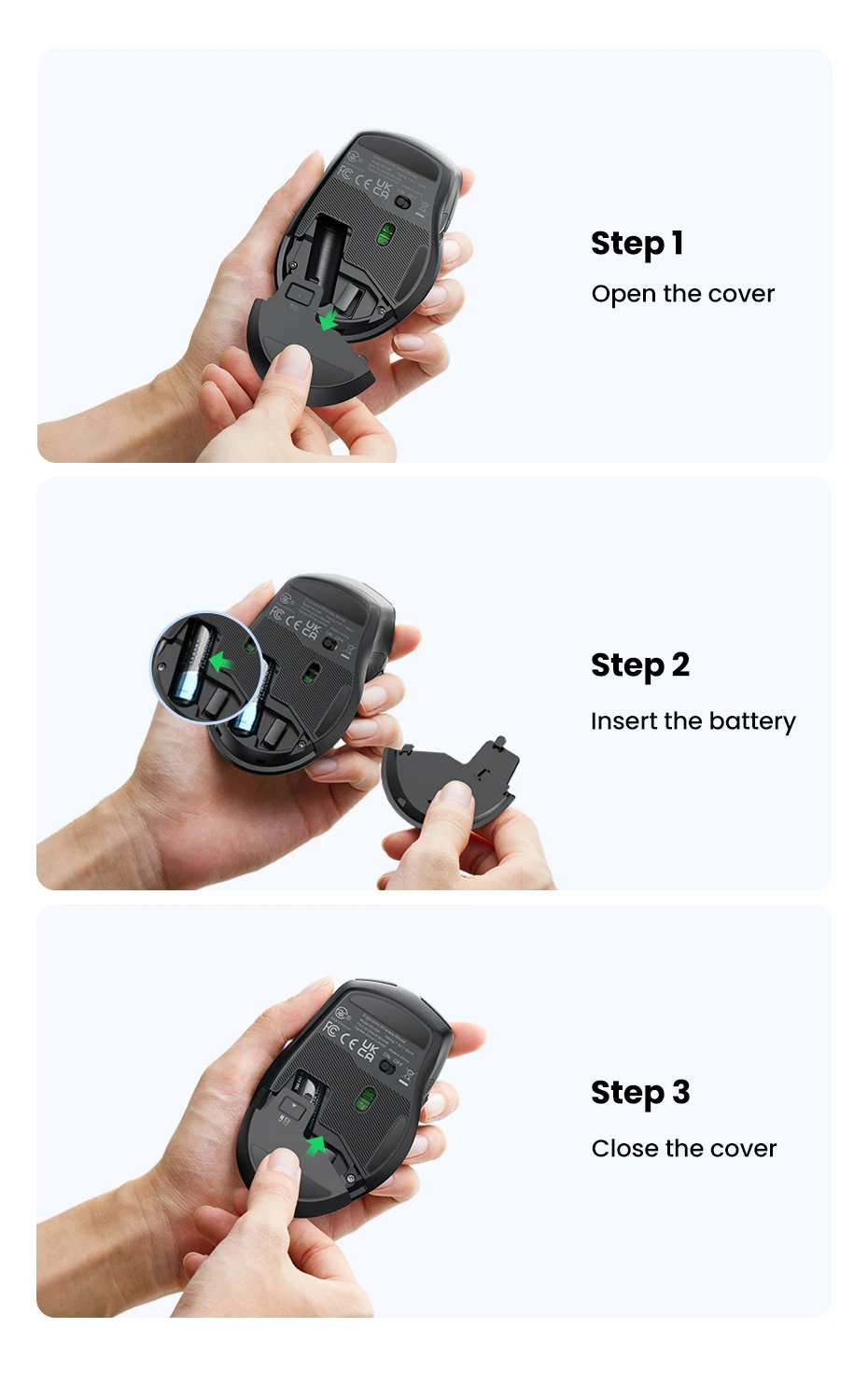
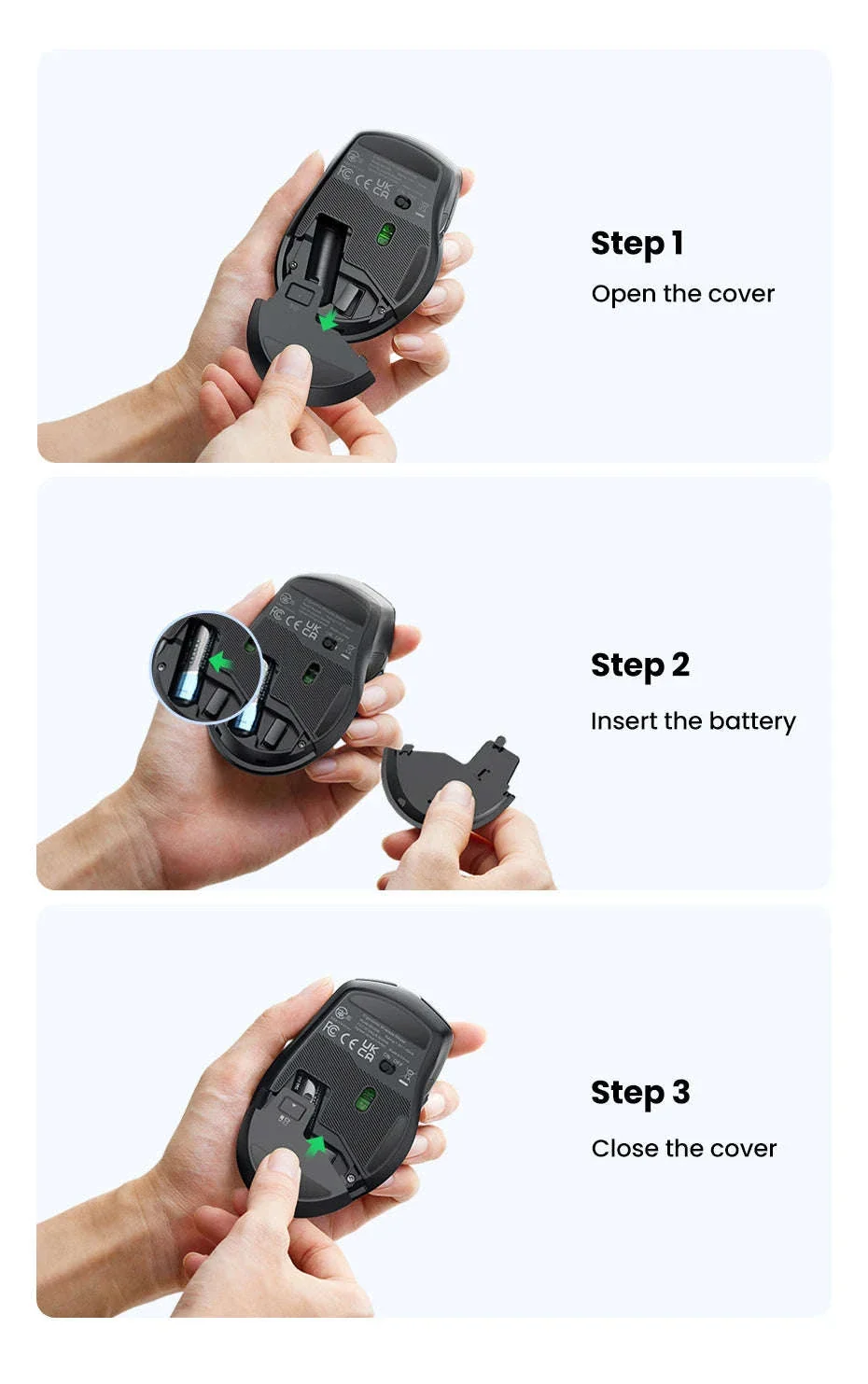
Installing the battery takes seconds—simply open the cover, insert the AA cell, and close it securely before turning the mouse on.
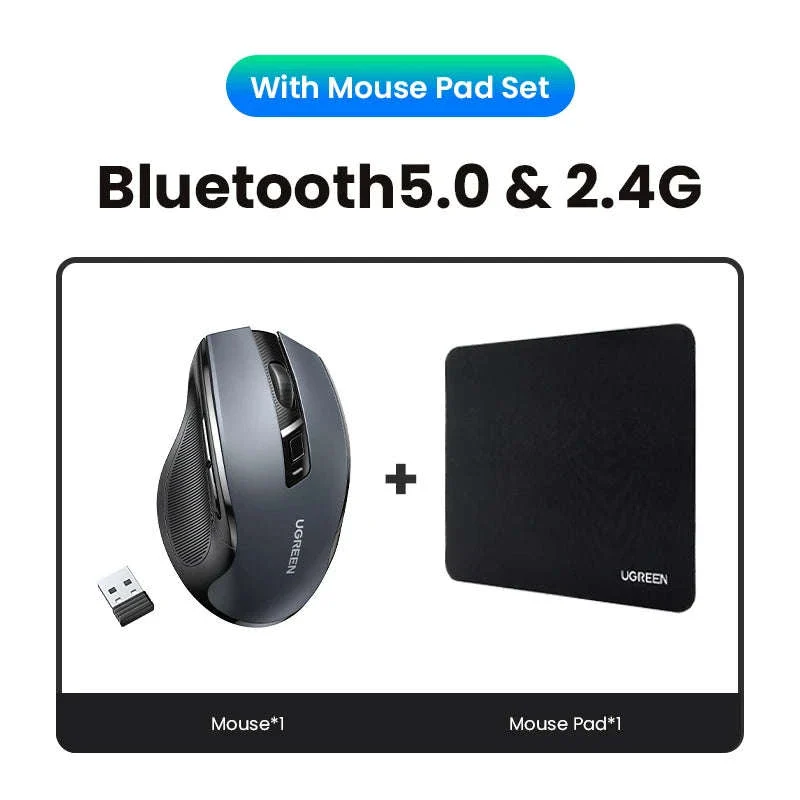
The package includes the mouse, a pre‑installed USB receiver, and a user guide that walks you through setup and use.

Upgrade your setup with a mouse that brings quiet comfort and reliable performance to every task.
Original: $37.00
-70%$37.00
$11.10











Description
Wireless Bluetooth Mouse delivers smooth, silent control for everyday work. This ergonomic wireless mouse keeps your hand comfortable while maintaining precise tracking.
Wireless Bluetooth Mouse – Benefits for You
✅ Quiet clicks help you stay focused so you can work without disturbing others.
✅ Smooth wireless performance lets you move freely without tangled cables slowing you down.
✅ Adjustable sensitivity helps you fine‑tune cursor speed so you handle tasks with greater accuracy.
✅ Ergonomic shaping supports your wrist so you stay comfortable during long sessions.
✅ Dual‑mode connectivity makes switching between devices easy so your workflow stays uninterrupted.
✅ Universal compatibility ensures effortless setup so you can start working right away.
Take your daily computing experience to a more comfortable level with this easy‑to‑use wireless companion.
Designed for long hours of productivity, the mouse pairs an ergonomic shape with quiet, responsive buttons that feel natural from the first click.
The smooth exterior and full‑size body create a stable grip that keeps your hand relaxed during browsing, editing, or creative work.
Its dual Bluetooth and 2.4 GHz wireless modes give you flexible connectivity for laptops, tablets, and desktops. A tiny USB receiver sits securely inside the battery compartment so it’s always ready when you need it.
Switching DPI levels is simple—just tap the dedicated button to move between five sensitivity settings suited for browsing, design work, or fast navigation.
Silent switches keep working environments peaceful, whether you're in an office, library, classroom, or shared home workspace.
Soft rubber side grips add stability, while the sculpted form fits naturally in your palm for effortless control.
Six intuitive buttons—left, right, scroll wheel, forward, back, and DPI—give you quick shortcuts for everyday navigation.
A single AA battery powers the mouse for months thanks to an energy‑saving sleep mode that activates automatically when not in use.
The mouse tracks reliably on a wide range of desks and surfaces, making it a dependable tool whether you work from home, travel, or switch between multiple setups.
Setup is simple: turn on Bluetooth, power the mouse, enable pairing mode, and select it from your device’s list.
The durable outer finish resists wear from daily use, while the silent scroll wheel glides smoothly for precise movement.
Installing the battery takes seconds—simply open the cover, insert the AA cell, and close it securely before turning the mouse on.
The package includes the mouse, a pre‑installed USB receiver, and a user guide that walks you through setup and use.
Upgrade your setup with a mouse that brings quiet comfort and reliable performance to every task.